Guide · PDF, 3 pages
Your first A/B test, set up by your AI agent. About 10 minutes of your time.
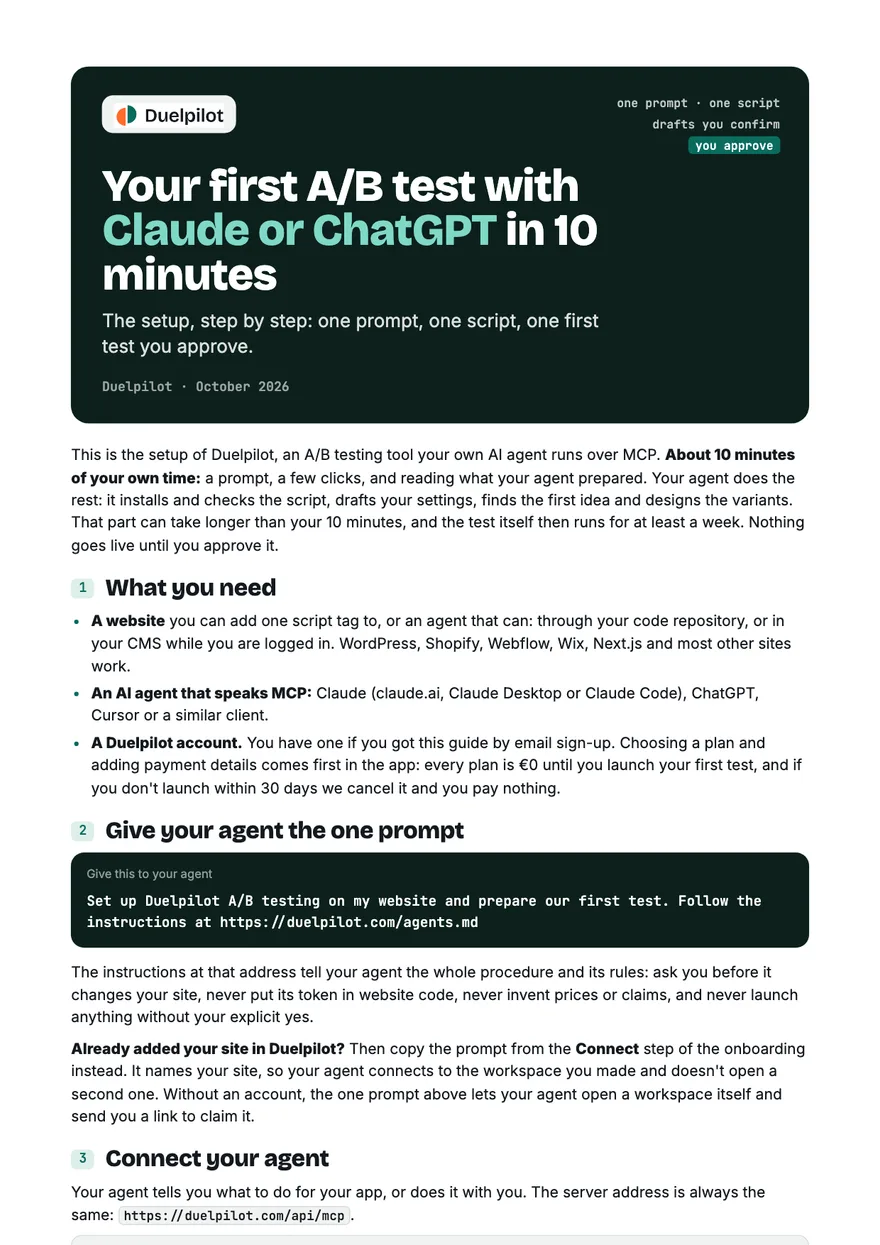
The setup, step by step, for Claude, ChatGPT and Cursor: the one prompt, connecting your agent, the script it installs and verifies, the drafts you confirm, and the first test you approve. About 10 minutes of your own time; your agent does most of the work.
Get the guide
This creates your Duelpilot account. No payment needed for the guide. Every plan is €0 until you launch your first test.
We email you a 6-digit code; no password. You get a few short setup emails, and every one has a one-click unsubscribe. Privacy
What's inside
Seven steps, from the one prompt to a first test you approve, and what happens after.
- 1
What you need
A website you (or your agent) can add one script to, and an AI agent that speaks MCP.
- 2
Give your agent the one prompt
The prompt, which one to use when you already added your site in Duelpilot, and what the agent says it will do.
- 3
Connect your agent
claude.ai, Claude Desktop, ChatGPT, Claude Code, Cursor: where to click, and why there is no token to paste.
- 4
Let it install one script
The tag in your <head>, how it asks before saving, and the check in real desktop and mobile browsers.
- 5
Check and confirm its drafts
The site profile and your brand rules wait for your yes, in Duelpilot or in the chat; the goal your agent activates once a technical check passes.
- 6
Approve your first test
The idea it picked and why, 2–4 variants with previews and site checks, and the yes that is yours, on the board or in the chat.
- 7
After the first test
Routines that keep the loop running, reading results, and autopilot when you trust the setup.
Why an account
Read it, then try it on your own site.
You just made the account the guide starts from. Right after reading you can choose a plan, add your site and copy the prompt from the Connect step: your agent does the rest of the setup with you. Autopilot is on Pro and up.
There is no free plan, but there is nothing to pay for the guide, and every plan is €0 until you launch your first test: setting up is free, and your plan (from €9/month) starts when you launch. No launch within 30 days? We cancel it and you pay nothing.
More guides
- The Agentic CRO PlaybookHow to run A/B tests on autopilot with your own AI agent, inside guardrails you set.PDF · 12 pages
- 10 A/B tests worth running firstWith the prompt for each: ten setups for webshops and SaaS sites that your own AI agent can prepare.PDF · 8 pages
- The autopilot guardrails checklistWhat to allow, what to forbid, and the guardrails checked before every automatic launch, with a prompt to prepare them.PDF · 4 pages
- How to read A/B test results honestlyNot conclusive is an answer: peeking, sample size, guardrails, and why many tests don't win.PDF · 3 pages
- 7 A/B tests for SaaS sign-up pagesWith the prompt for each: what a browser-side test can change on a SaaS site, and what belongs in your code.PDF · 5 pages